On-device extraction
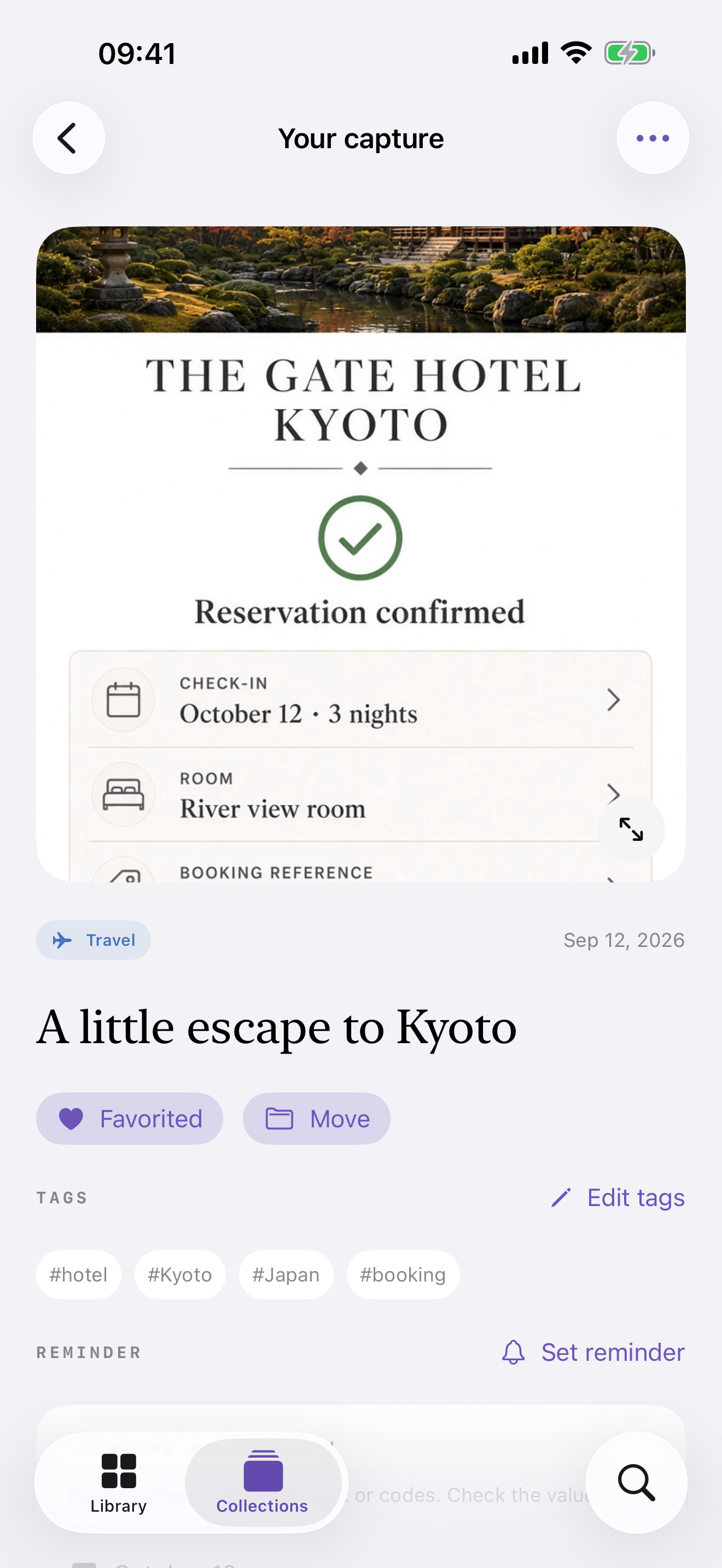
Apple Vision reads the screenshot locally and lifts addresses, phone numbers, URLs, codes, amounts, and contact details you can act on.
SnapOrdina
SnapOrdina uses the Photos, Vision, and Apple Intelligence stack already on the device. It pulls out addresses, codes, phone numbers, and links, then files the capture — without sending the image anywhere.
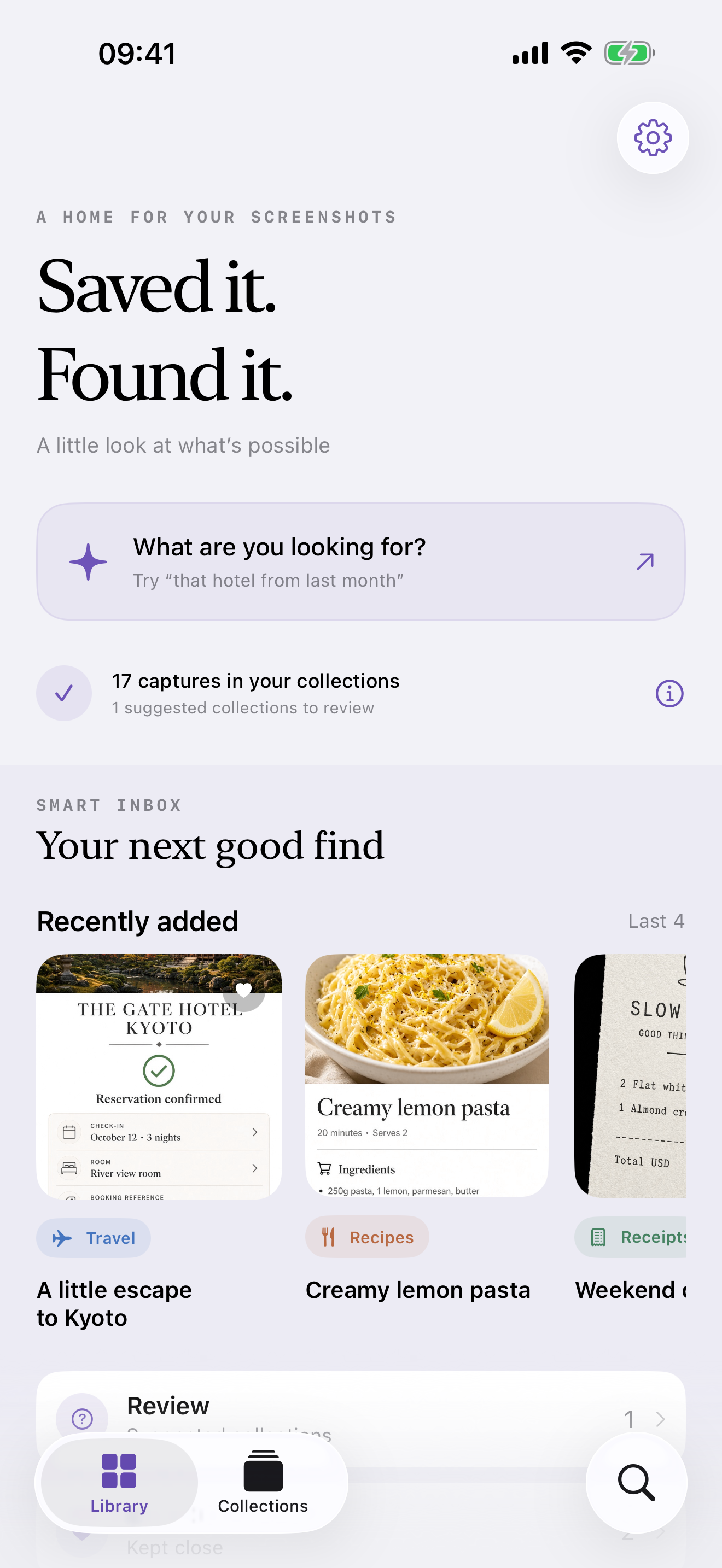
The product
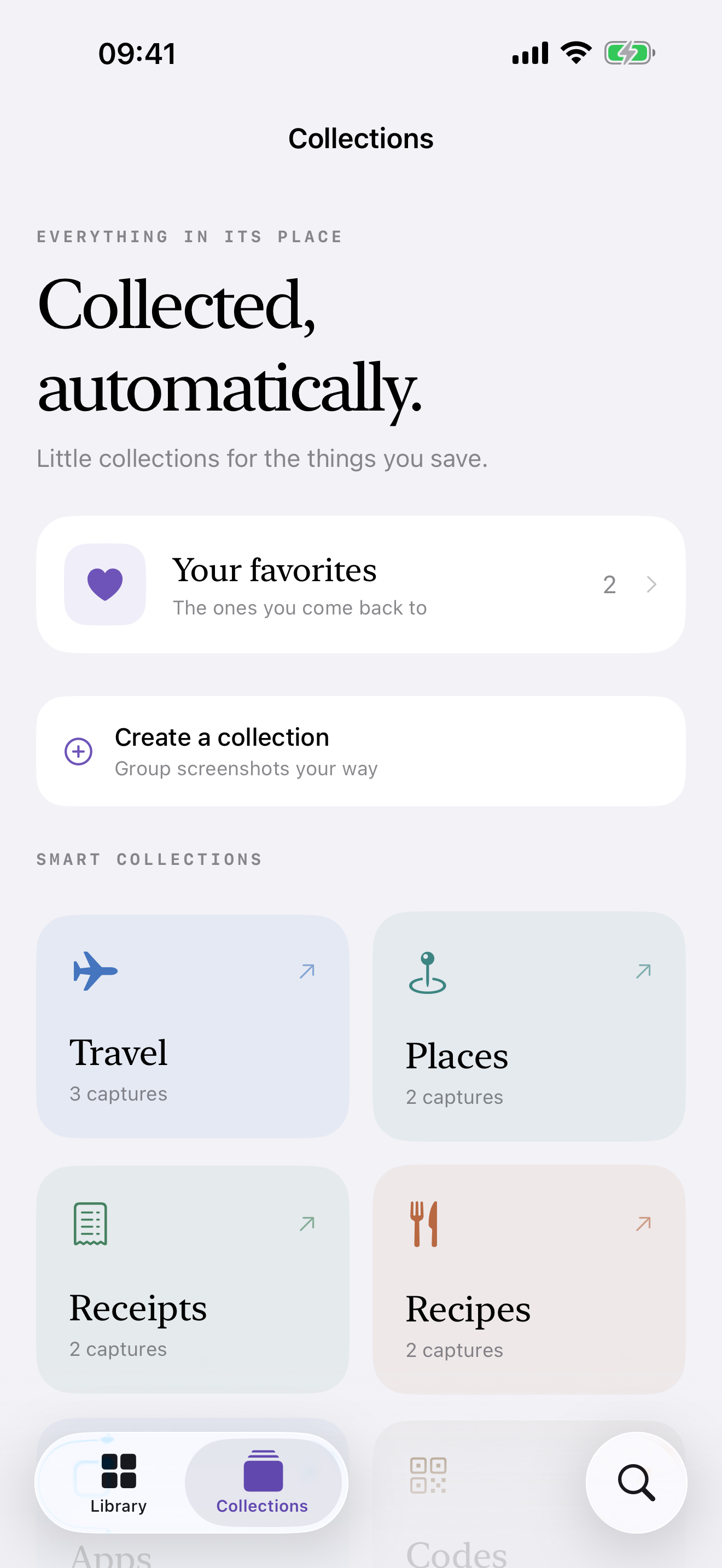
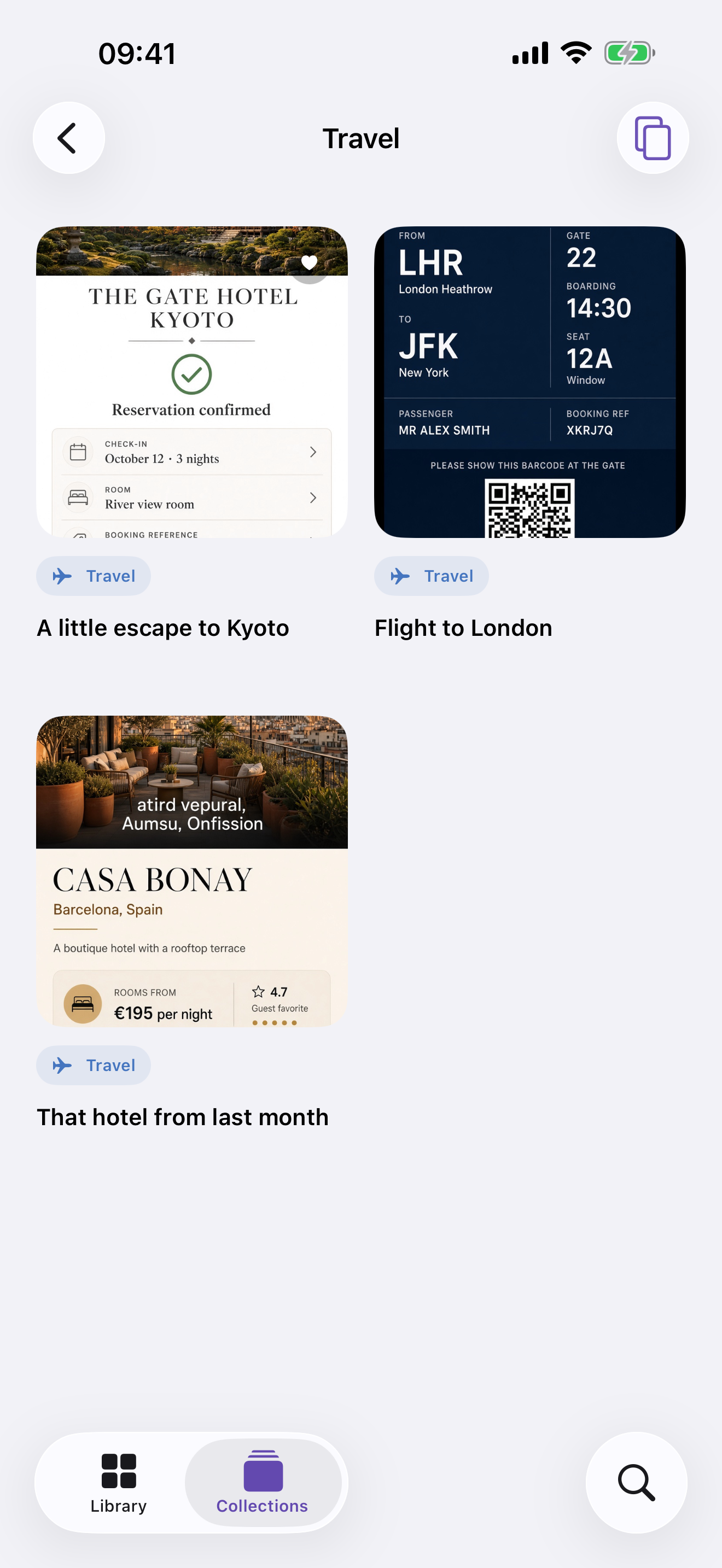
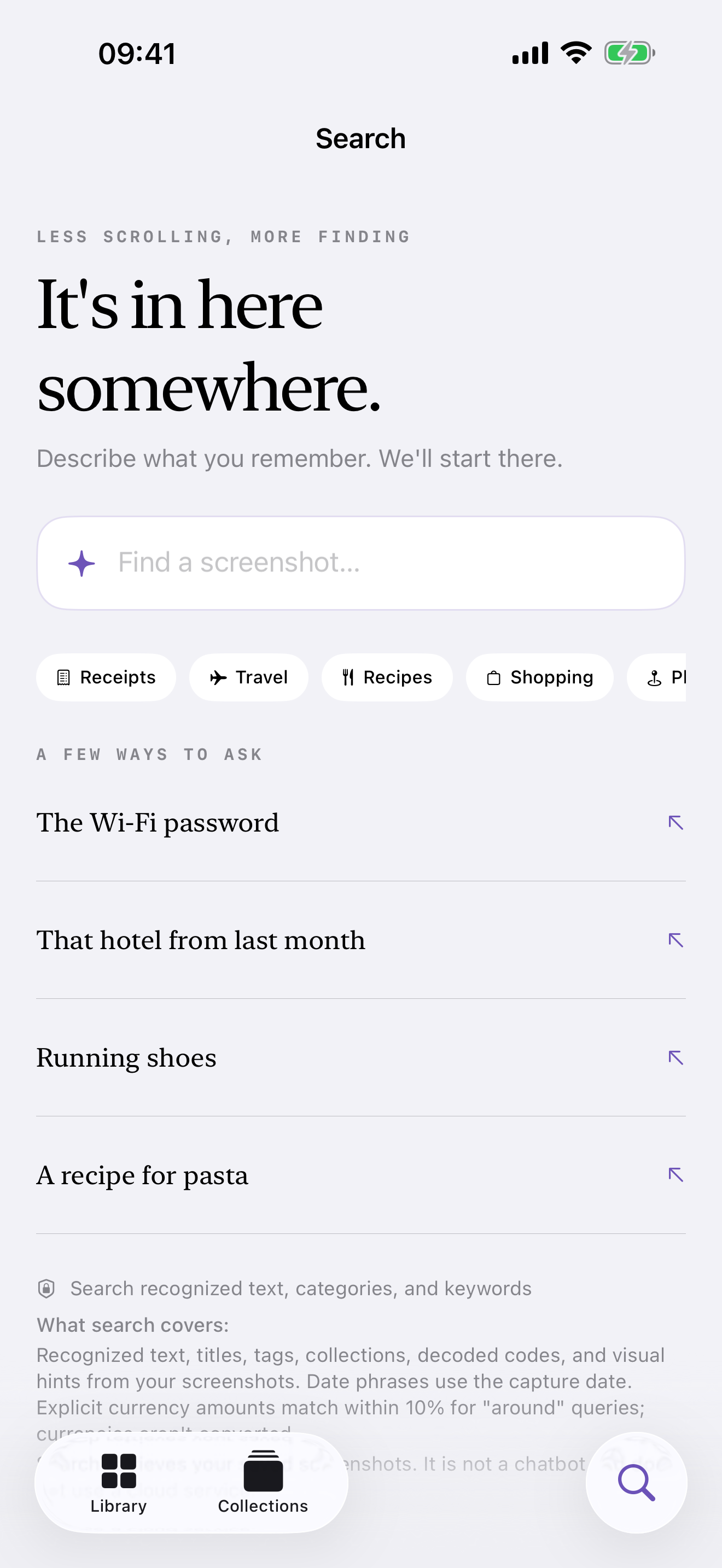
On iPad
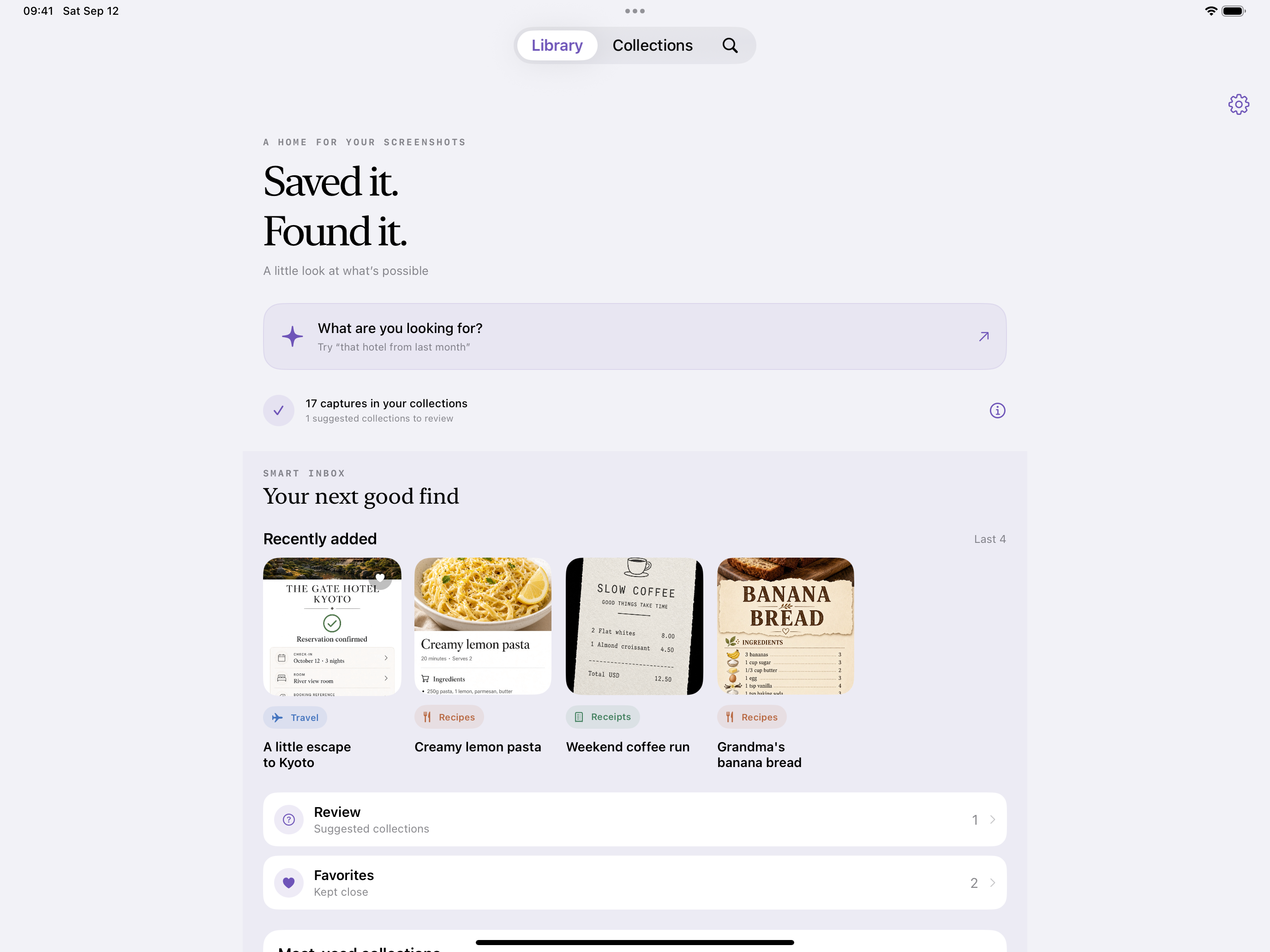
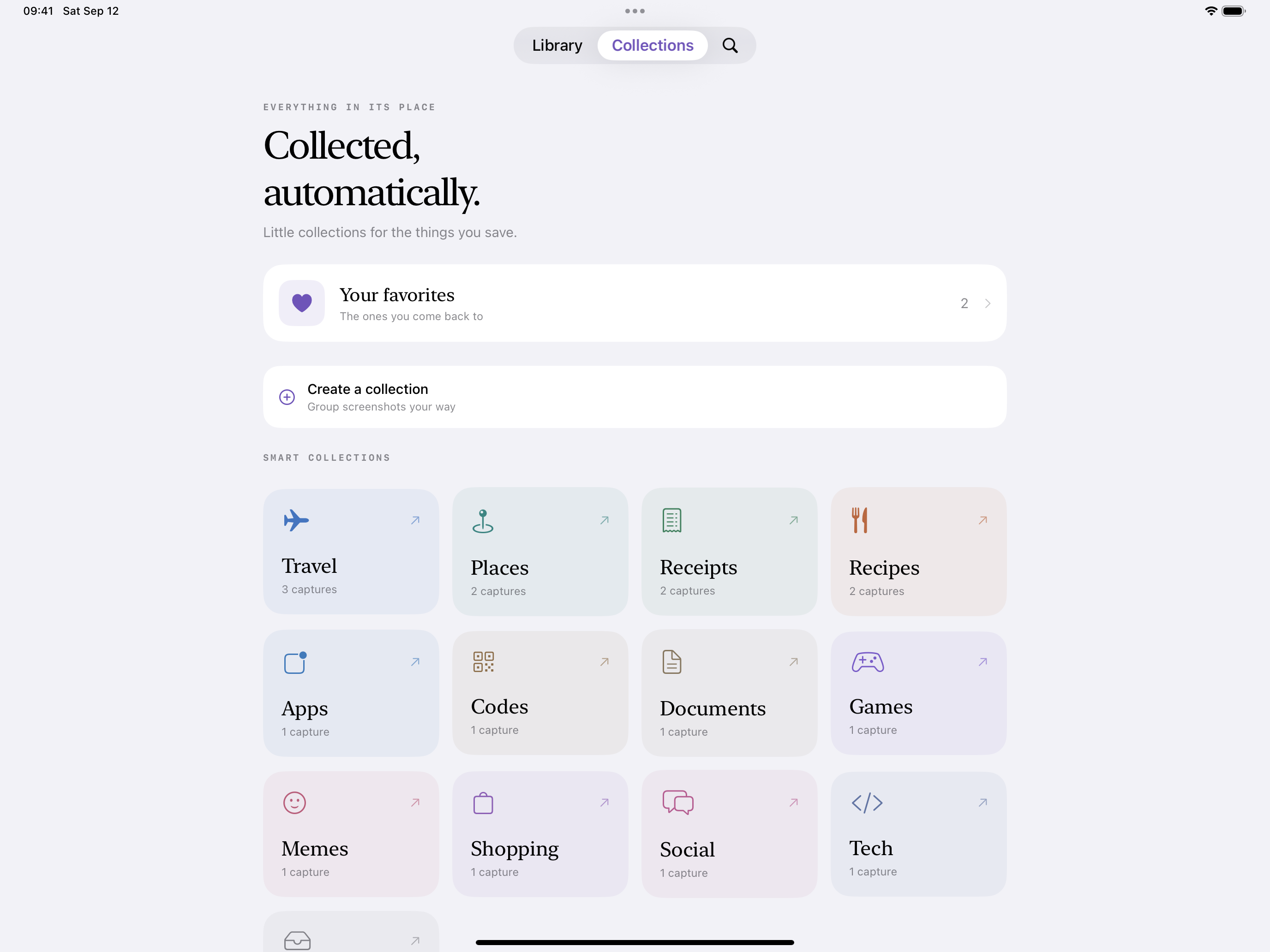
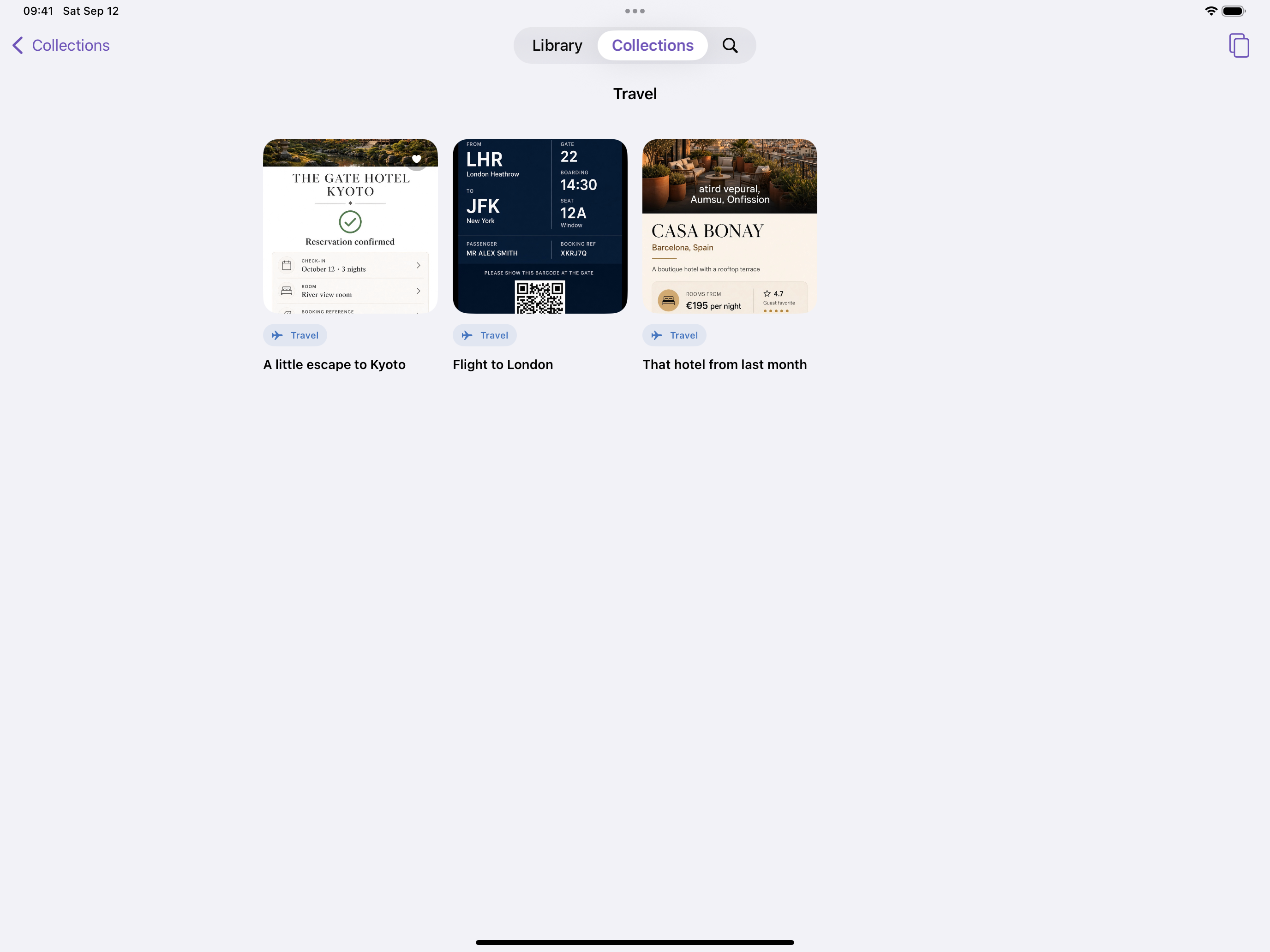
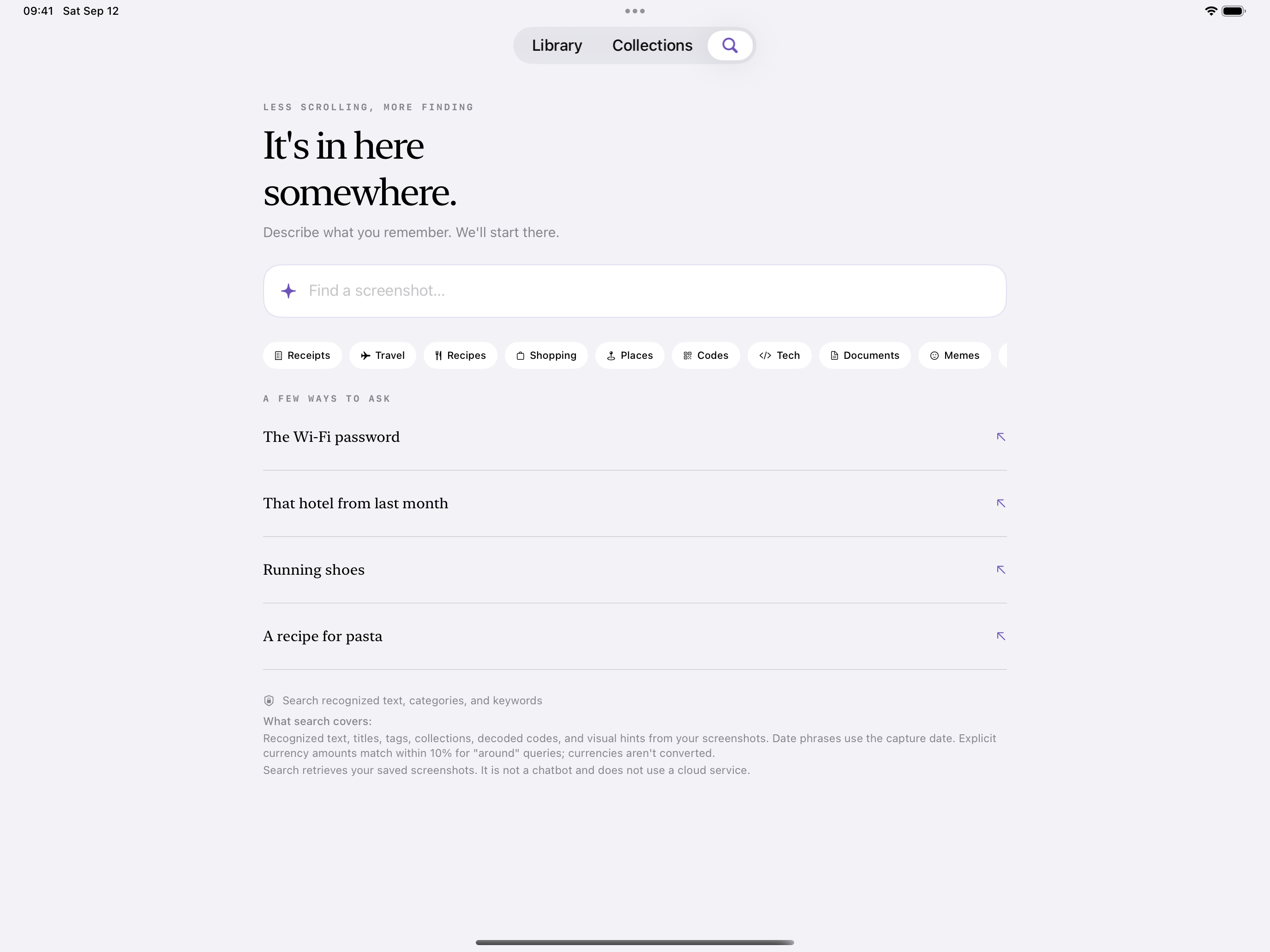
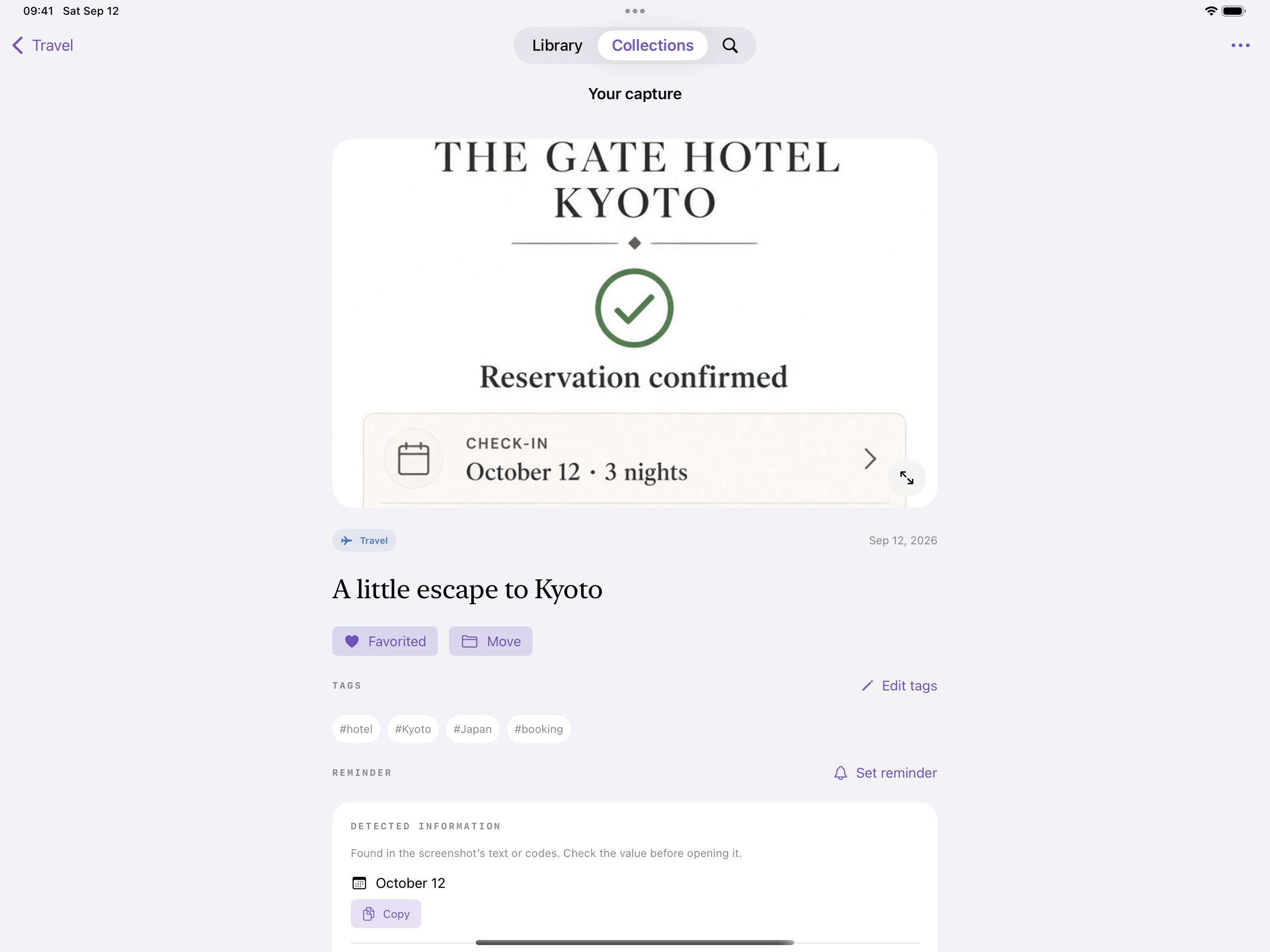
Apple Vision reads the screenshot locally and lifts addresses, phone numbers, URLs, codes, amounts, and contact details you can act on.
Supported devices sort and recategorize with on-device Foundation Models. Travel, receipts, recipes, documents — filed automatically.
If Apple Intelligence is not available, text recognition still runs. Search by keyword and date works without a newer chip or a network.
As Apple Intelligence improves image understanding, SnapOrdina can take those on-device upgrades. The library stays on the phone.
No developer server. No external AI. Optional Spotlight is off by default. Photos stay in Photos.
Ask for “that hotel from last month.” The metadata was extracted when you saved it, not after an upload.